
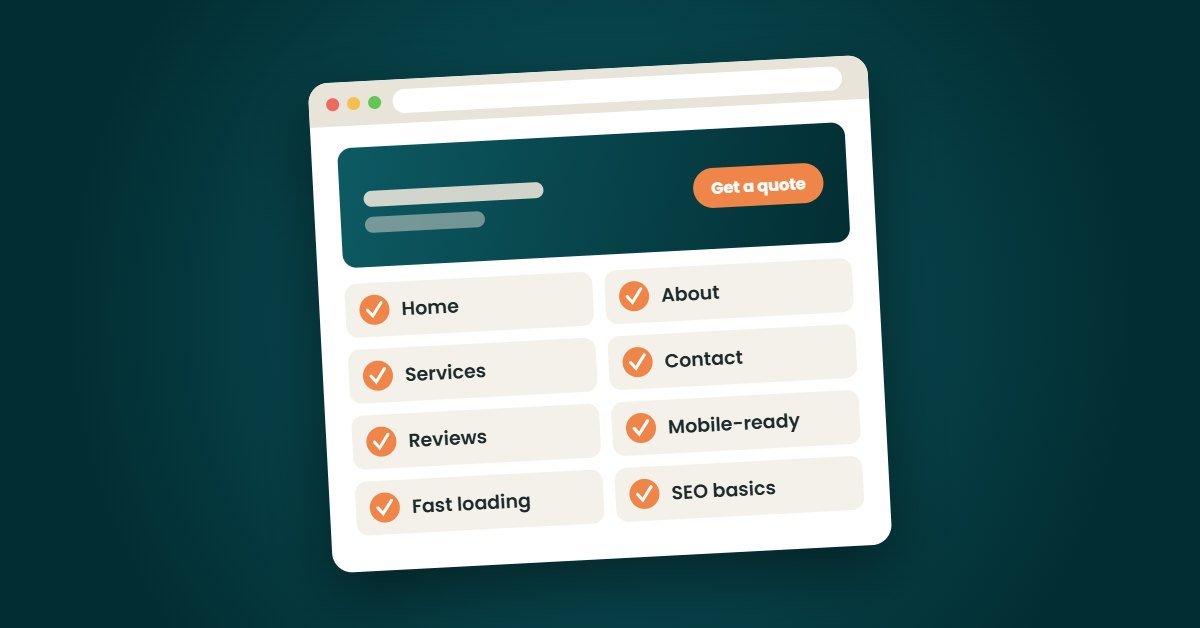

A small business website should include five core pages (Home, About, Services, Contact and a page for reviews or past work) plus a few essentials that work on every page: a clear call to action, your phone number and location, fast loading on phones, and basic search engine setup. If a visitor can’t tell what you do, where you do it and how to reach you within a few seconds, the site isn’t doing its job yet.
Here’s what to include, page by page, and why each piece matters.
The 5 pages every small business website needs
1. Home page
Your home page is where most visitors decide whether to stay. It should answer three questions right away:
- What do you do? One plain sentence, for example “Family-run bakery in Orlando, baking fresh bread every morning.”
- Who is it for? Make it obvious that the visitor is in the right place.
- What should I do next? One main button such as “Order now”, “Book a call” or “Get a quote”.
Below that, add a short list of your main services, a few reviews and a final call to action at the bottom.
2. About page
People buy from businesses they trust. A good About page covers who you are, how long you’ve been in business, where you’re based, and what makes you different. Real photos of you, your team or your workspace do more than stock images.
3. Services or products page
List what you offer with a short description of each. If you have many services, give each important one its own page. Separate pages make it easier for Google to show the right page when someone searches for that exact service.
For each service, say who it’s for, what’s included, and how to get started.
4. Contact page
Make contacting you effortless:
- Phone number (tap-to-call on mobile)
- Email address or a short contact form
- Business address or service area, with a map if customers visit you
- Opening hours
- WhatsApp or chat link if you reply to messages there
Keep the form short. Name, email or phone, and a message box is usually enough.
5. Reviews, testimonials or portfolio
Proof sells. Show customer reviews, before-and-after photos, case studies or examples of past work. Even three strong testimonials with first names and a location make a difference.
Essentials that belong on every page
A clear call to action
Every page should point the visitor to one next step. Use the same wording across the site so it’s easy to recognize, for example “Get a free quote”.
Contact details in the header or footer
Put your phone number and email in the footer of every page, and consider adding a “Call” button to the mobile menu.
A mobile-friendly design
Many of your visitors will arrive on a phone. Check that text is readable without zooming, buttons are easy to tap, and nothing spills off the side of the screen.
Fast loading
Large, uncompressed images are the most common cause of slow small business sites. Resize and compress photos before uploading, and avoid stacking lots of plugins you don’t use.
Basic SEO setup
Search engines need help understanding your pages. For each page, set:
- A unique page title that names the service and location
- A short meta description that tells searchers what they’ll find
- Clear headings that describe each section
- Descriptive alt text on informative images
Google’s own SEO Starter Guide is a good free reference if you want to go deeper.
Security and trust signals
Your site should load over HTTPS (the padlock in the browser). Add a privacy policy if you collect any personal details through forms, and keep your website software and plugins up to date.
Nice-to-haves once the basics are done
- A blog or FAQ page that answers questions customers ask you every week
- Online booking or ordering if customers currently have to call to buy
- Google Business Profile link so reviews and directions are one click away
- Social media links to accounts you actually keep active
- Analytics so you can see which pages people visit and where they come from
Common mistakes to avoid
- Leaving placeholder text like “lorem ipsum” or “coming soon” on live pages
- Test pages and duplicate pages that are still public
- Buttons that link nowhere
- No phone number or address anywhere on the site
- Using only images for important text, which search engines and screen readers can’t read well
Quick checklist
- ☐ Home, About, Services, Contact and Reviews pages are live
- ☐ Each page has one clear call to action
- ☐ Phone, email and location appear on every page
- ☐ The site works well on a phone
- ☐ Images are compressed and pages load quickly
- ☐ Every page has a unique title and meta description
- ☐ The site uses HTTPS and has a privacy policy
- ☐ No placeholder text, test pages or broken links
Need help building yours?
If your website is missing a few of these pieces, or you’re starting from scratch, our web design and development services cover everything on this list, from page structure and mobile design to basic SEO setup.
Just starting out? The Starter Website Plan gives you a mobile-friendly Home, About and Contact page with a domain and your first month of hosting free, for a one-time $349. Want all five core pages from this guide? The Growth Website Plan adds Services and Gallery pages plus Google Business Profile setup.
Next step: view the Starter Website Plan and see what’s included.